

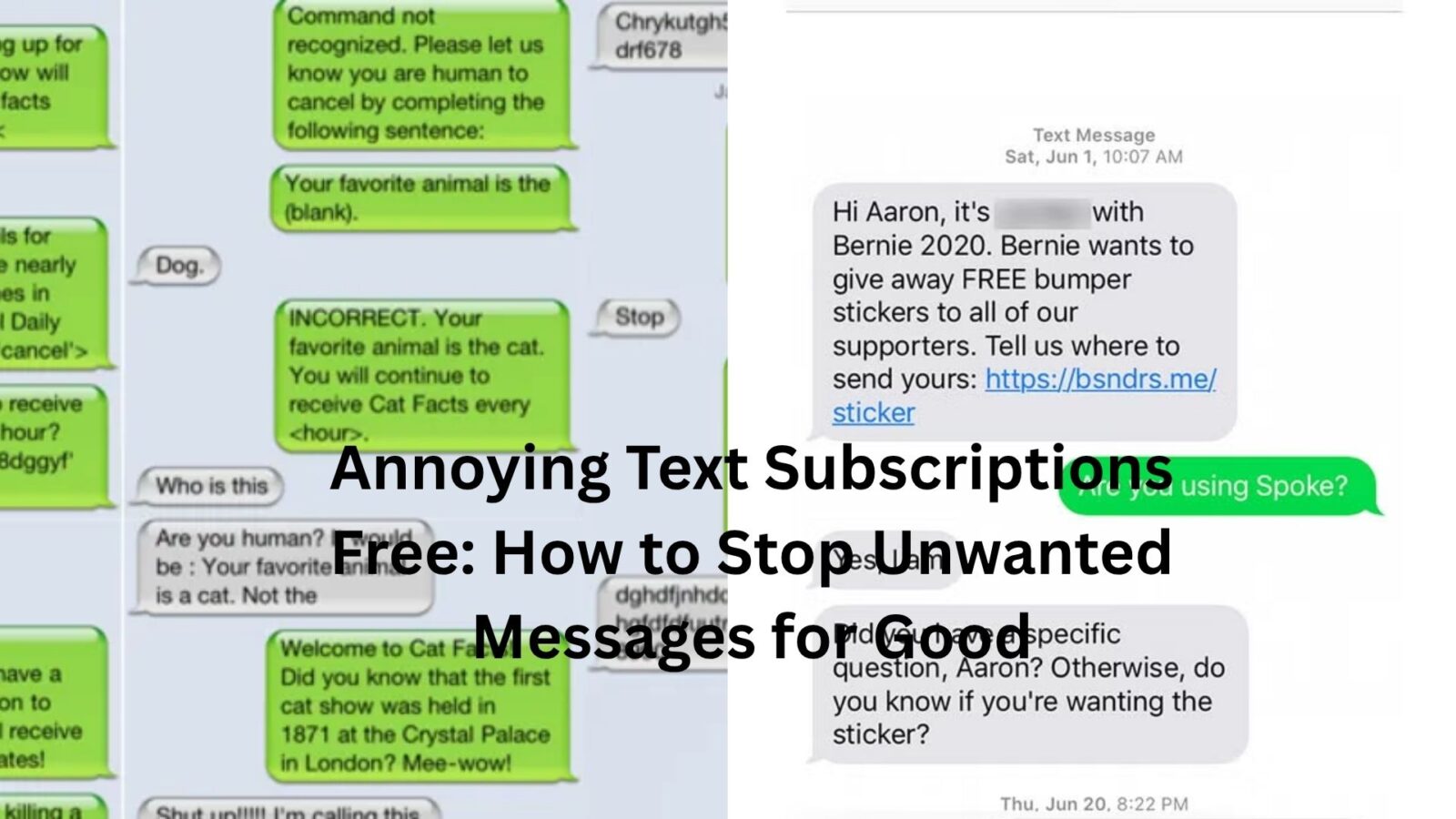
Few things are more irritating than checking your phone and seeing another text you never asked for.
Maybe it’s a marketing promotion from a store you visited once. Maybe it’s a daily alert from a service you don’t even remember signing up for. Some messages arrive every few days. Others seem determined to show up at the worst possible moment.
The problem isn’t just the notifications. It’s the feeling that your phone, which should be your personal space, is constantly being invaded by messages you don’t want.
The good news is that getting rid of annoying text subscriptions is usually easier than most people think. In many cases, you can stop them completely without paying for any app or service.
Let’s look at why these texts keep appearing and what actually works when you want them gone.
Why Unwanted Text Subscriptions Are So Common
Companies love text messaging because people read texts.
Emails can sit unopened for days. Social media posts get ignored. Text messages, on the other hand, are usually seen within minutes.
That’s why businesses encourage customers to sign up for promotions, coupons, shipping updates, loyalty programs, and special offers through SMS.
Sometimes people knowingly subscribe. Other times it’s less obvious.
You might enter your phone number for a discount at checkout. You might check a box during an online purchase without noticing. You may even sign up for delivery updates and later discover that marketing messages came along with them.
Before long, your inbox starts filling up with texts you never intended to receive long-term.
The Fastest Free Way to Stop Text Subscriptions
For legitimate marketing texts, the simplest solution is usually right inside the message itself.
Most businesses are required to provide an opt-out method. Common keywords include:
- STOP
- UNSUBSCRIBE
- CANCEL
- END
- QUIT
Replying with one of these commands often removes your number automatically.
Here’s a typical scenario.
You receive a promotional message from a clothing retailer every week. Instead of deleting it for the tenth time, you reply with “STOP.” Within seconds, an automated confirmation arrives telling you that you’ve been removed from future marketing messages.
Problem solved.
Not every sender follows the same format, but “STOP” remains the most widely recognized option.
When Replying Doesn’t Work
Unfortunately, not every unwanted text comes from a legitimate business.
Some messages are sent by questionable marketers. Others are outright spam.
That’s where many people make a mistake.
They respond anyway.
If a text looks suspicious, replying can sometimes confirm that your phone number is active. That may lead to even more messages in the future.
A good rule is simple:
If you recognize the company and trust it, using the unsubscribe option is usually safe.
If the message looks strange, contains suspicious links, or comes from an unfamiliar sender, don’t engage. Block it instead.
Blocking Numbers Is More Powerful Than People Think
Most smartphones include built-in tools for blocking text messages.
Many users overlook this because it feels too simple. Yet it works surprisingly well.
Once a number is blocked, future messages from that sender are prevented from reaching you normally.
For example, imagine receiving daily promotional texts from a business that ignores unsubscribe requests. Rather than wasting time arguing with customer support, blocking the number cuts off the communication immediately.
It’s not always a permanent solution since some marketers use multiple numbers, but it’s often enough to stop a persistent sender.
Your Carrier Can Help Too
Mobile carriers have become much better at fighting spam over the past several years.
Most major carriers now offer free spam protection tools that automatically identify suspicious text messages.
Many phones display warnings such as:
- Spam Risk
- Potential Spam
- Suspected Scam
These alerts aren’t perfect, but they catch a surprising amount of junk.
If you’re dealing with constant unwanted texts, it’s worth checking the spam filtering features available through your carrier’s app or account settings.
A few minutes of setup can dramatically reduce the number of annoying messages that reach your inbox.
The Hidden Places Where You Accidentally Sign Up
Here’s the thing.
Many text subscriptions start because people are in a hurry.
You’re checking out online.
A pop-up appears offering 15% off your first order.
You enter your phone number, grab the discount, and move on.
Months later, you’re wondering why that company keeps texting you every weekend.
Retail websites are especially good at collecting phone numbers. Restaurants, delivery services, gyms, and loyalty programs do it too.
Before entering your number, it’s worth taking a quick look at the fine print.
That tiny checkbox may be granting permission for recurring marketing messages.
Those few seconds can save a lot of future annoyance.
Why Some Texts Keep Coming Back
One of the most frustrating situations happens when you unsubscribe but messages continue anyway.
Several things may be happening.
The company might operate multiple marketing systems. You unsubscribe from one campaign but remain enrolled in another.
Your number may exist in separate databases tied to different services.
Sometimes a company uses third-party marketing providers, which can create delays before your opt-out request fully takes effect.
Most legitimate organizations process unsubscribe requests quickly, but it can occasionally take a few days.
If messages continue after a reasonable period, blocking the sender becomes the easier option.
Recognizing Scam Text Messages
Not every unwanted message is simply annoying. Some are designed to trick people.
Scam texts often create urgency.
A package can’t be delivered.
A bank account has been locked.
A payment is overdue.
A prize is waiting to be claimed.
The goal is usually the same: get you to click a link or provide personal information.
Let’s be honest. Scammers have become much better at making messages look legitimate.
That’s why skepticism helps.
If a text demands immediate action, asks for sensitive information, or includes a suspicious link, pause before doing anything.
Visit the organization’s official website directly rather than using the link in the text.
That extra step can prevent a major headache later.
Free Apps That Help Reduce Text Spam
Most people don’t need paid software to manage unwanted messages.
Both Android and iPhone devices include spam filtering features that work well for many users.
There are also free call and message filtering apps available that identify known spam numbers and suspicious senders.
The best results usually come from combining built-in phone protections with common sense.
No app catches everything.
No filter is perfect.
But together they significantly reduce the volume of junk messages reaching your phone.
Protecting Your Number Going Forward
Stopping current subscriptions is only half the battle.
Preventing new ones matters just as much.
One habit makes a huge difference: become selective about where you share your phone number.
Not every website needs it.
Not every giveaway deserves it.
Not every discount is worth it.
Think about how often a simple phone number request appears during everyday activities. Online shopping, event registrations, restaurant rewards programs, contests, surveys, and account signups all compete for the same information.
The fewer places your number appears, the fewer opportunities exist for future marketing campaigns.
It’s a small change that pays off over time.
A Cleaner Inbox Starts With a Few Small Actions
Getting rid of annoying text subscriptions doesn’t require special software or expensive services.
Most unwanted marketing messages can be stopped by unsubscribing. Spam can usually be blocked. Scam texts should be ignored and reported whenever possible.
The real secret is consistency.
Take a few seconds to deal with unwanted messages when they appear rather than simply deleting them and moving on. Those small actions add up.
Before long, the constant stream of promotions, alerts, and random offers starts to slow down.
Your phone becomes useful again instead of feeling like a billboard in your pocket.
And honestly, that’s probably how it should have been all along.